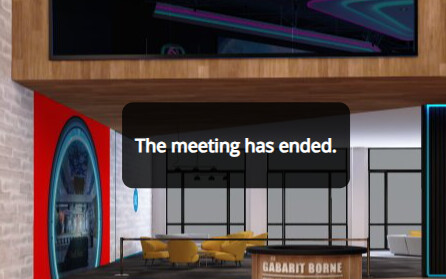
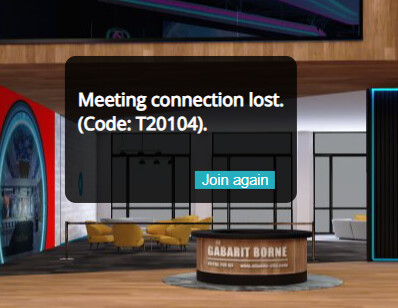
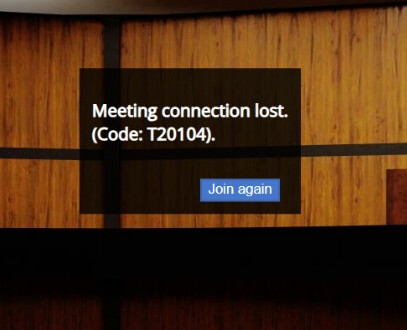
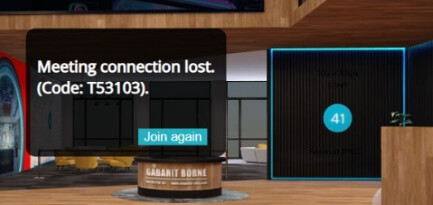
Hello we are investigating on error by twilio
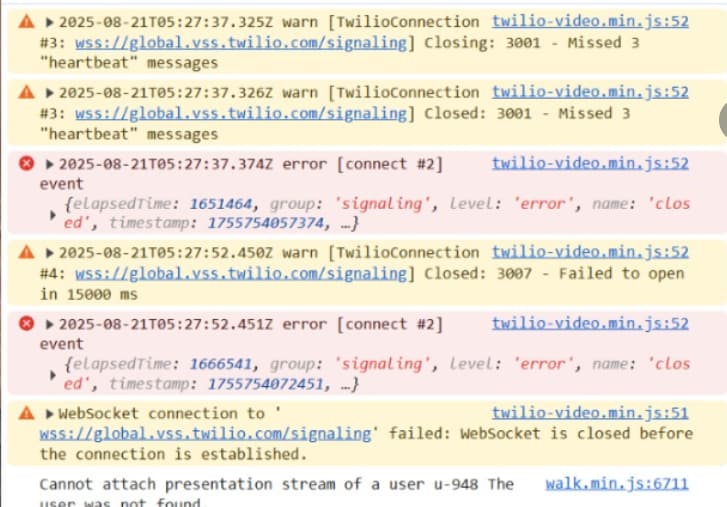
i can share the scene
if you have any clues ? do i need contact twilio team directly ?
thanks
Hello we are investigating on error by twilio
if you have any clues ? do i need contact twilio team directly ?
thanks
Hi,
I tried reproducing this error on our side, but for me it never happens.
Does it happen for you in every browser / device?
Also, can you reproduce this problem consistently or does it happen randomly?
For me it looks like connection error, which might be caused by a firewall for example. But it’s hard to say without knowing more about when & in what conditions this problem happens.
i can reproduce with by exemple if someone connect online
he is alone few times 30 mins 1h but sometimes its like 5 minutes too
then when someone other connect it disconnecting all other user from the meeting
sometimes it can loop like
avatar A connected Avatar B come and disconnect AVATAR A
then AVATAR A come again and disconnect AVATAR B even if its few second later
its happening on windows and mac / chrome or firefox
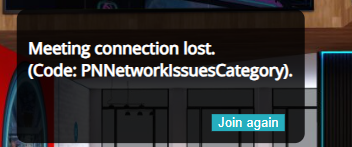
this error bring mostly this error message but not only like Pnndisconnected can happend too with same result
i will add different error message when i see new one cause error message is bit random
to be sure its not related to our custom body end i share a pure scene without body-end just meeting online : Amphi_opera by Atlantis
can it come because we have custom avatar ? should i contact you by mail for this case ?
Hi, custom avatar is definitely not causing this issue.
We have identified another bug related to twilio which might be the reason for your problems.
We should be able to release a fix for it in a few days.
Sorry for the inconvenience.
thanks a lot , please notice me when you got this damn bug haha
good luck and thanks
hello, may i ask if you release the fix ?
we still have this issue btw ?
We have deployed the fix just now. Let us know if the meetings work without interruptions now, or if you encounter any issues again.
hello nothing change … its even worst today on meeting session
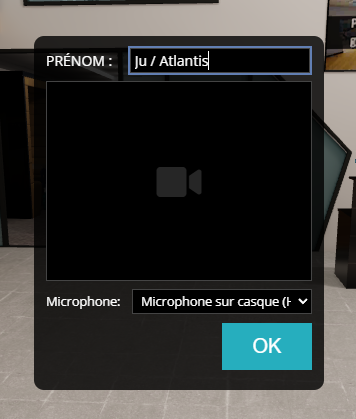
in initial login page when we choose nickname and microphone and webcam
it crash instantly after push ok
Hi,
We’re experiencing exactly the same issue on our side since yesterday — as soon as more than two users connect with avatars, the others get the same error message:
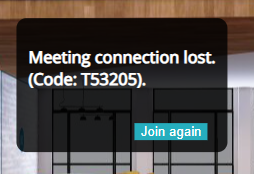
Meeting connection lost (Code: T53205).
It’s very blocking for us.
This looks like a different bug, we’re analyzing it now.
We’ve deployed a fix for this problem.
Meetings should be working normally now.
Sorry for the inconvenience!
If you notice any other issues with meetings, please let us know, we will try to fix them ASAP.
Thanks so much for the quick response, you guys are awesome !
hello after few hours
and some review of very buggy customers before there is no problem anymore thannnnnks
i will do a last report after few days to confirm but it looks perfect …
hello everyone, after few days of use
the general stability is far improved but we still experience somme issues
the bug appears less often than before for sure
Thank you for reporting!
We will look into it.
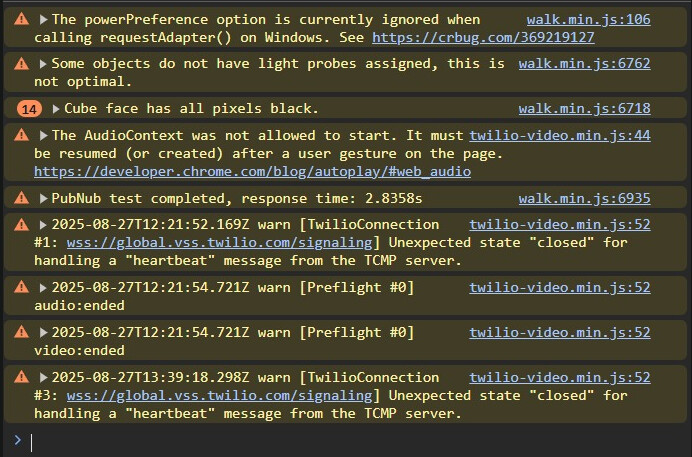
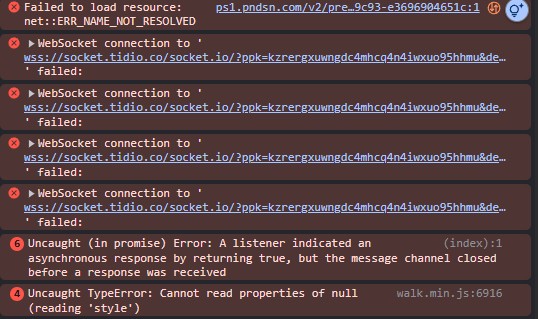
The error code and the messages in the developer console indicate there might have been a general networking issue affecting not only Shapespark but also the services used in your customization - Tidio. Could you observe the issue to check if it’s a pattern that the console shows message both for Shapespark and Tidio.
i will try without it and keep you tune
thanks
hello after 2 month of testing , stability in meeting is really improved and we can stay more long time without be disconnected ( even alone ) and large participant meeting work like a charm
but we still issue some disconnect with this error now ( its happenning less often than others one )
do you need console log too ?
thanks
Hi,
Yes please, console logs would be useful and also more detailed description of the conditions under which this problem happens.