I have a scene that I am working on locally, and it includes a bodyend. When I preview it locally, it works perfectly, but the problem arises when I try to publish the project *(i have a plus suscription). When I view it, several textures are broken, and the bodyend is not included in the scene. Can you help me fix this? I have the client on the phone, and I need to fix it urgently.
Hi, can you provide a link to the problematic scene (assuming that it is published on our cloud)?
Without knowing what your script does and how it interacts with Shapespark it’s hard to know what breaks when the scene is published or bundled.
Are there some error messages in the javascript console?
When the scene is published / bundled textures are optimized, maybe this is causing some problems with your script? If so, then you could disable GPU compression for the broken textures.
1 Like
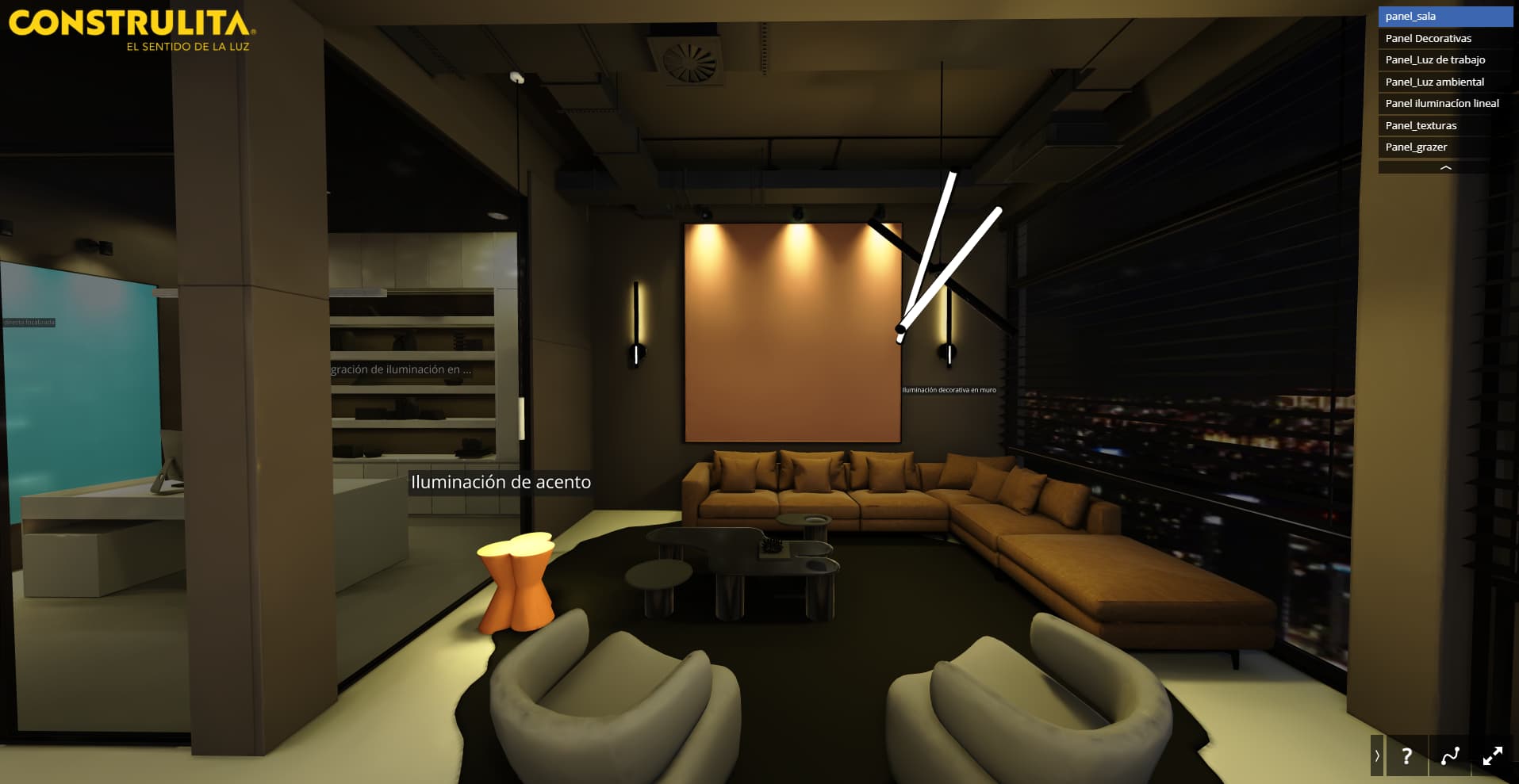
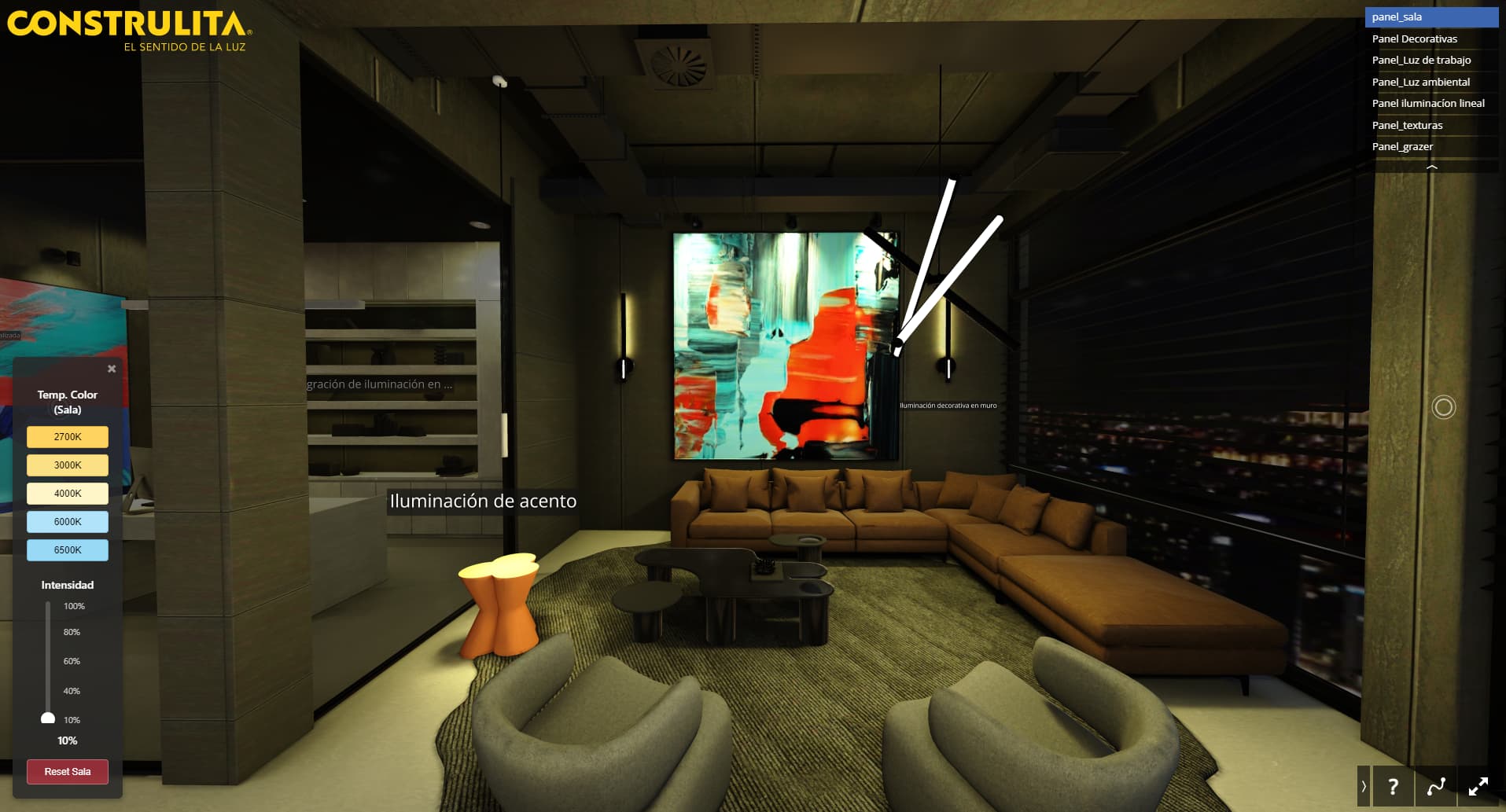
I’m sharing the problematic scene with you. If I can detect that the bodyend is failing, why isn’t it opening a control panel that it should be displaying? You can see it in the previous image, as well as…It’s not working with the joysticks I installed; I’ll check the console for errors. Showroom by By 3dmotion
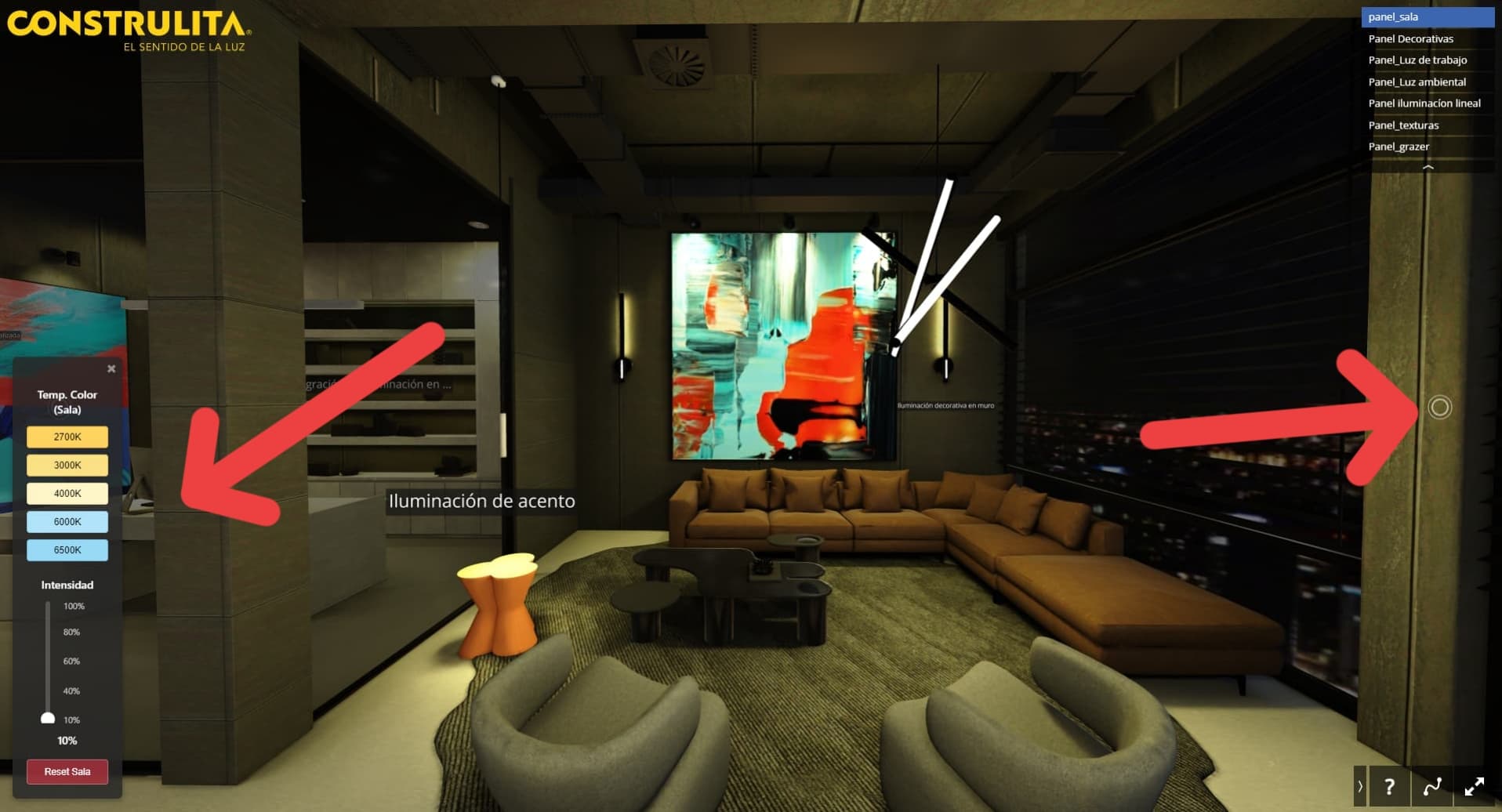
I can see the following errors in the console when opening this scene:

I think that the easiest way to fix them is to inline script.js and styles.css in html file.
1 Like
Additionally, when adding some extra files to Shapespark scene, those files should be put in extra-assets/ subdirectory:
Otherwise they won’t be uploaded (body-end.html is fine as it is though).
1 Like
As for the broken materials, it seems that for some reason the meshes don’t have UV coordinates.
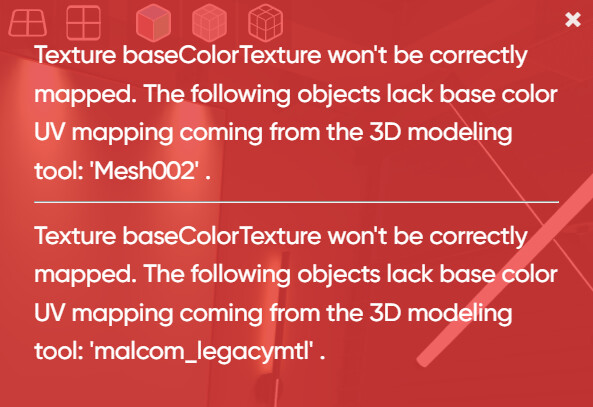
This should be easily fixable in the 3D editor.
1 Like
OK, so the JS and CSS files should go in the extra-assets folder? I’ll check the UVs, but it seems strange to me because if I didn’t have UVs, I wouldn’t be able to mount a texture, right?
If the .js and .css files are placed in extra-assets folder, then they should work, but if they don’t you can always inline them.
As for the UVs: it’s possible that they got broken during the upload. During scene upload / bundling an optimization is performed where, for objects which don’t have assigned materials with textures UVs might be removed. We will investigate if there is a bug here, but the fastest way to fix it, would be to update the scene by re-importing it from the original 3d file.
1 Like
I’m still having problems with the scene. I’ve tried everything, checked the 3D and the UVs are correct. I updated the scene again locally and in the cloud. Everything seems to work when baking; everything works, the textures are displayed without any problems, but when publishing, the uvs break again for no reason. When opening the scene, they are displayed correctly, but after a few seconds they break. The problem only occurs when publishing And it happens in almost 80% of textures . I also did it with a copy of the scene in the cloud and updated the file again, and it produces the same error. Can you help me? Showroom by By 3dmotion
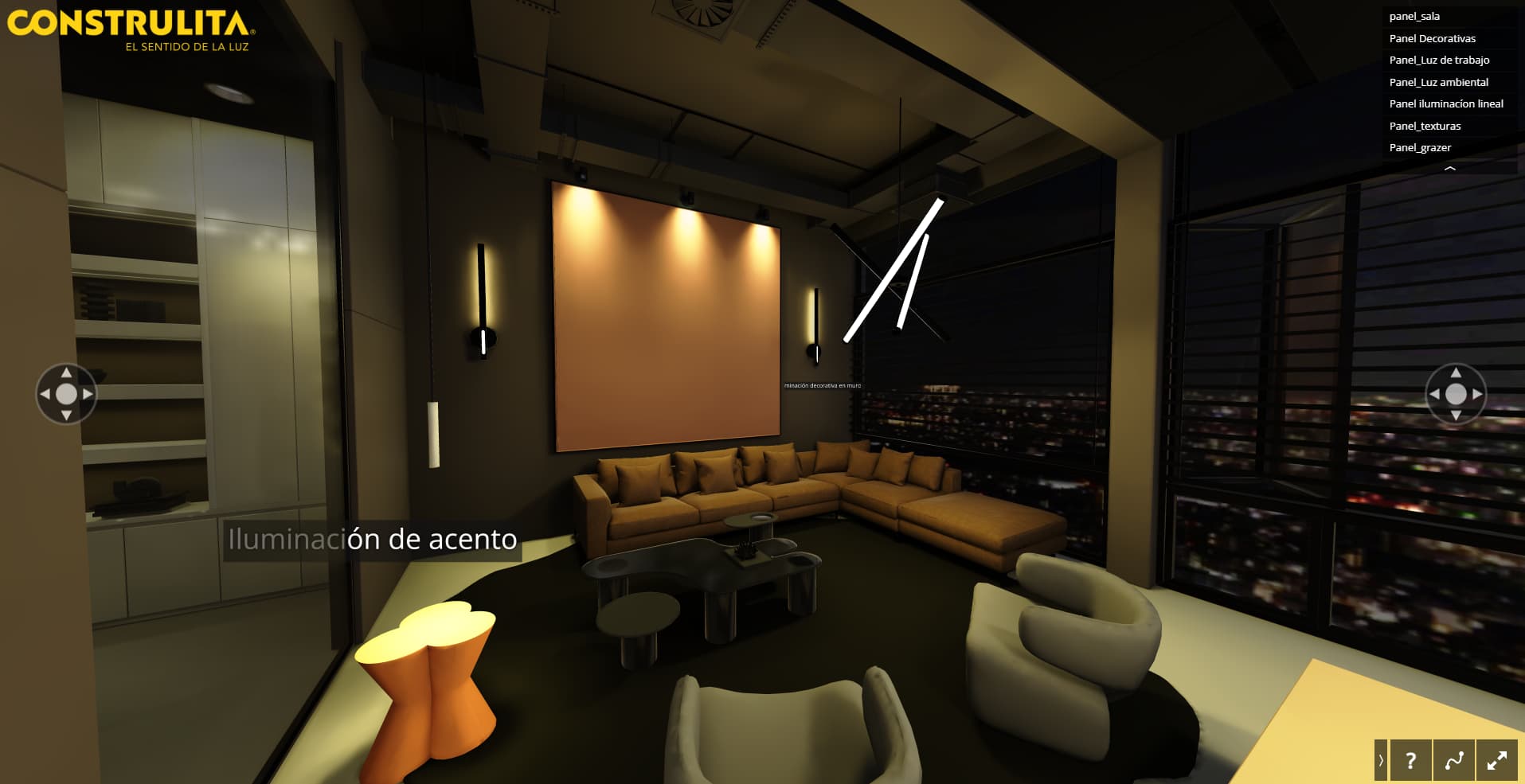
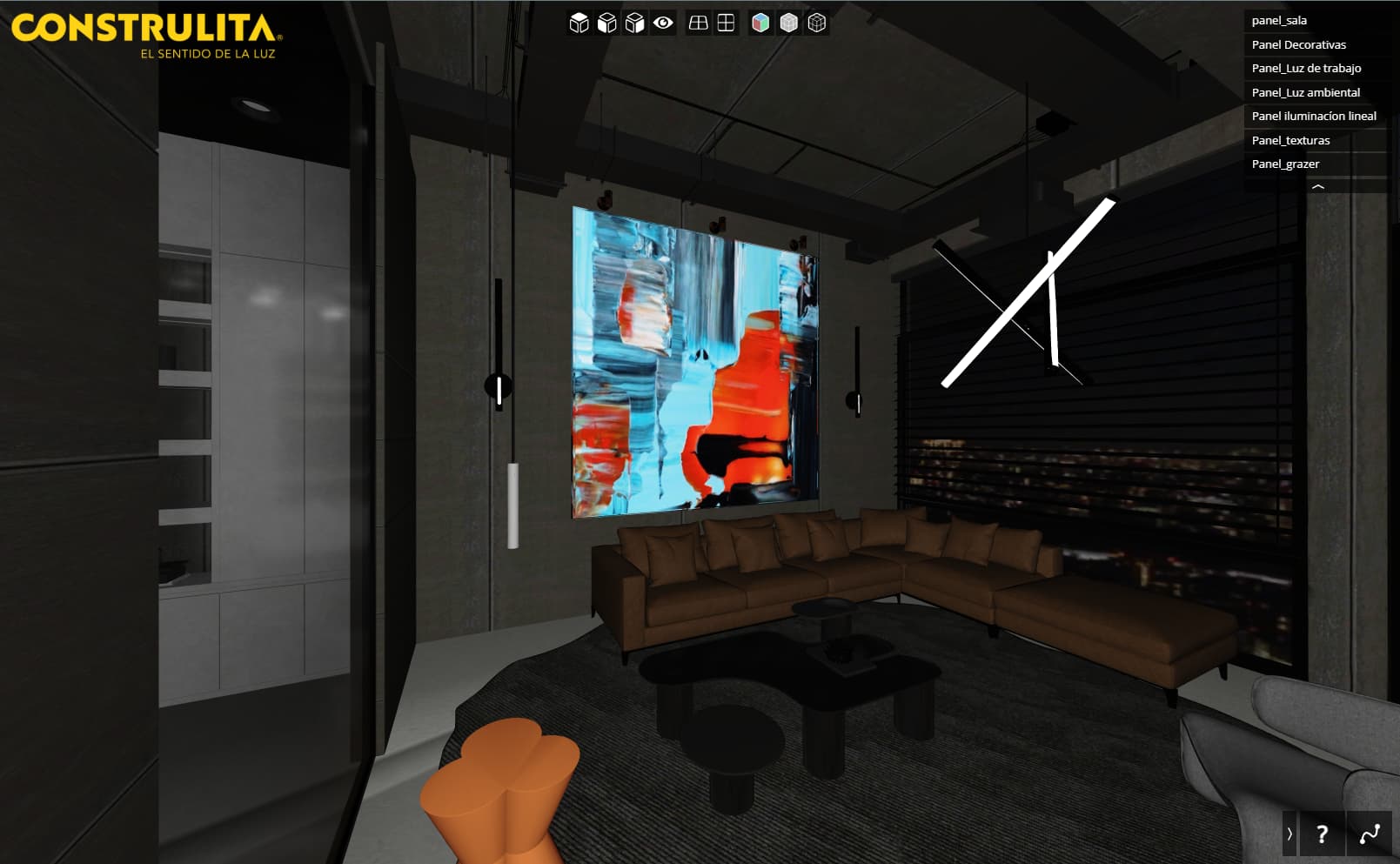
Sorry to hear that. We are looking into this problem, but could you maybe send us your local scene packed in a zip file? It would be best if this scene was in a not broken state, with properly visible textures, like on the second screenshot.
You could store it on some file-hosting site, and send a link to us via private message.
This should allow us to quicker replicate it and prepare a fix.
1 Like
Thank you for following up. I sent you a private message yesterday with the scene. Do you have any news on the matter?
Thank you for the scene. We’ve found the source of the problem and we are planning to release a fix in a few days.
Is there anything I can do now? This has never happened to me before. I urgently need to be able to publish it. How many days do you think it will take?
This problem is occurring because, during the import process, some objects were assigned materials without textures. These were later overridden in the editor with materials that do contain textures. In this scenario, the UVs for those objects were removed based on the settings of the original material.
To fix this, ensure that in the source scene, the material assigned to the problematic objects (Mesh002, malcom_legacymtl) is using a texture.
OK, I understand. I will check that they have the final texture to be used natively from the 3D modeler. I just have one question: if the Shapespark editor gives you the option to create the texture and assign it to the object, shouldn’t that solve the problem? Or is this what you mentioned to me that you are working on for an update?
What you describe should work without any issues, but this is the thing that we have to fix.
tienen conocimiento si en la ultima actualización ya pudieron reparar el problema que tengo con las texturas ?
Yes, this bug should be fixed in the latest version (3.6.0).
Upload of this scene should work properly now (but the broken uploads on the cloud should be removed or re-uploaded).