Good morning. Whenever I publish a project on the web, some materials look different, with a slightly greenish tone, like this floor. I think Shaps might be applying some automatic process to make the project lighter. Is there a way to disable this?
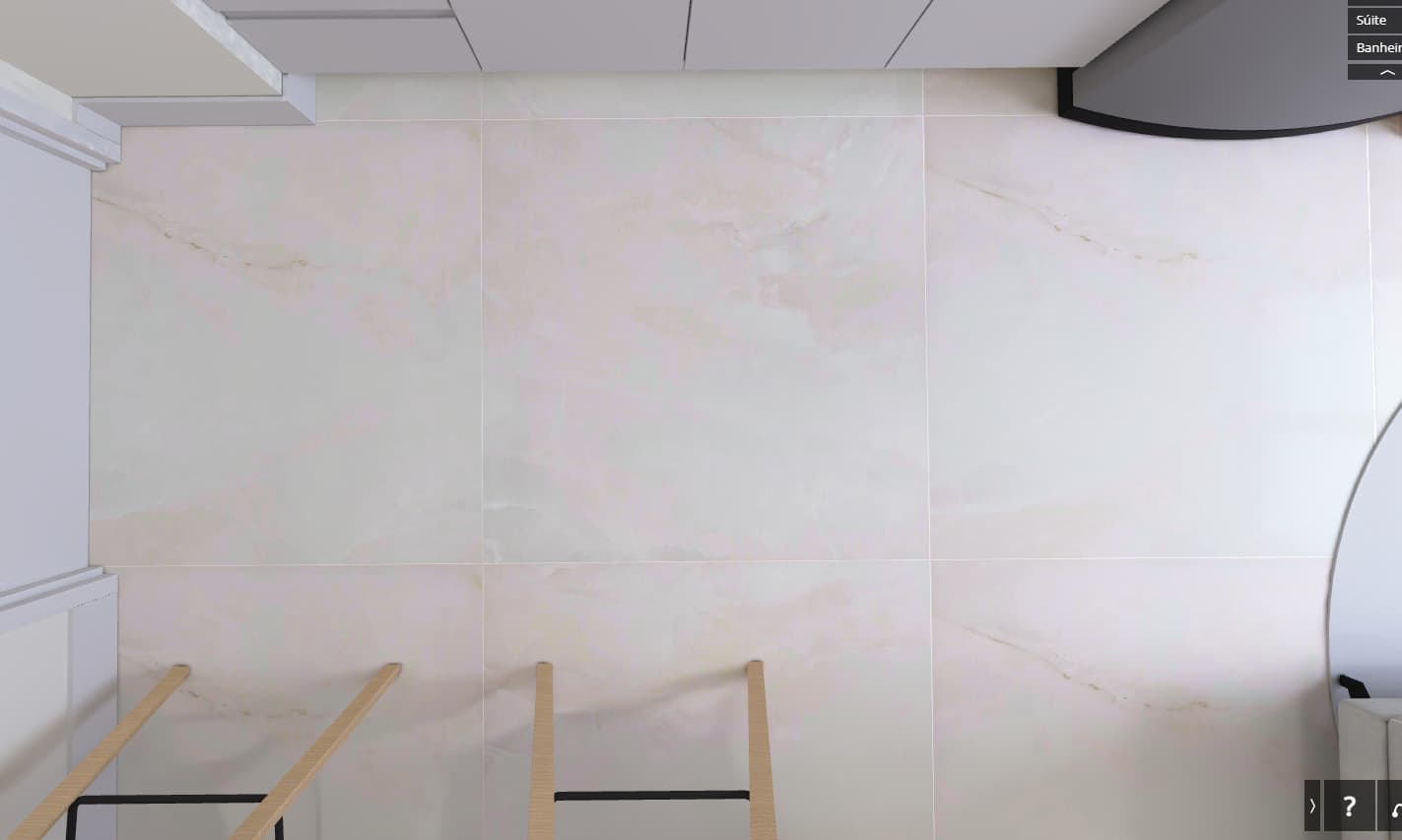
This is probably caused by GPU texture compression, which is applied when textures are uploaded to cloud or when you’re preparing a bundle. Please take a look at this article about texture quality in Shapespark:
https://help.shapespark.com/hc/en-us/articles/5132314507793-How-to-control-the-quality-of-textures
Basically, all that you have to do is to disable “GPU compressed formats” for the textures which look bad and re-upload the scene.
worked. thanks
1 Like